Restored from the project wiki (we.riseup.net), which is no longer online.
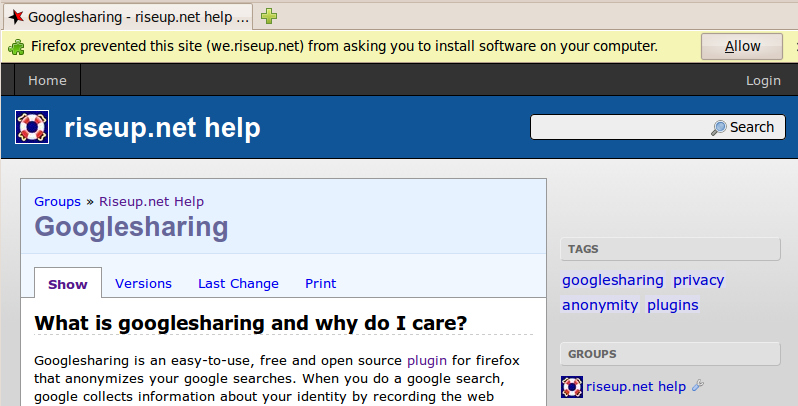
GoogleSharing is a Firefox plugin that is easy to use, free of charge and free (Open Source), and that anonymises your Google searches. When you search on Google, they collect information that identifies you by recording the address the search is made from and the contents of the search itself. Google probably knows far more about your searches than you do!
GoogleSharing redirects all Google-related traffic that does not require a login (so, for example, not gmail services) through a separate server, completely transparently (all you have to do is install the plugin). As a result your online activity will be aggregated with that of all the other users of this plugin, with no way of telling which of it comes from you.
For more detailed information on how it works and why it matters, visit the project site.
It is easy!
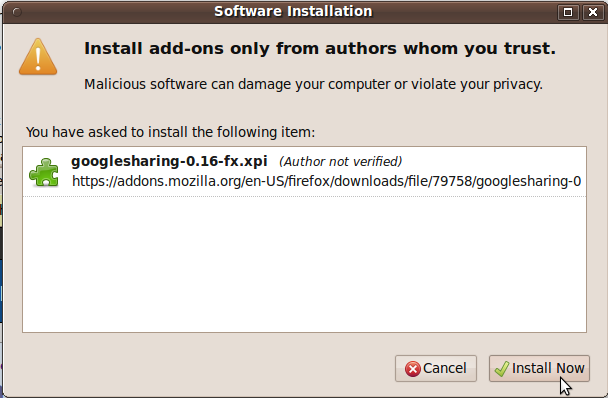
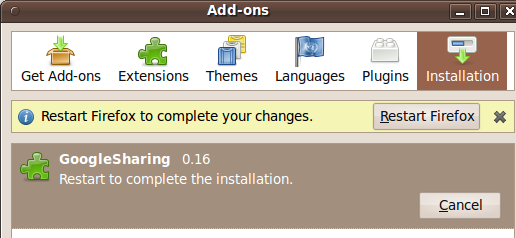
You can increase the level of anonymity still further by changing the servers used by google sharing.
Since traffic with Google will now be redirected through GoogleSharing’s proxies, Google is no longer able to link your activity and requests on the network to you as an individual. Requests from your computer are sent to the GoogleSharing proxy, which then forwards them to Google. This means that your requests to Google appear to originate from the GoogleSharing proxy and not from your computer. And that is excellent.
But it also means that the GoogleSharing proxies could (in theory) do what Google did before: correlate your activity with you and your computer. So you will ask yourself: what information about me is logged by GoogleSharing? They state that they log nothing, so the answer should be “none”. But how sure can you be that this is really so? You cannot be at all. You have to trust their reputation (which in our view is very strong in this field!). Riseup.net runs two of the proxies that form part of the GoogleSharing network, so we can assure you that on the ones we run ourselves no private information is logged. But we absolutely cannot guarantee it for the others in the network, because we do not directly know who looks after them.
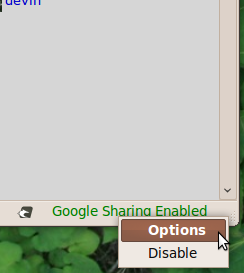
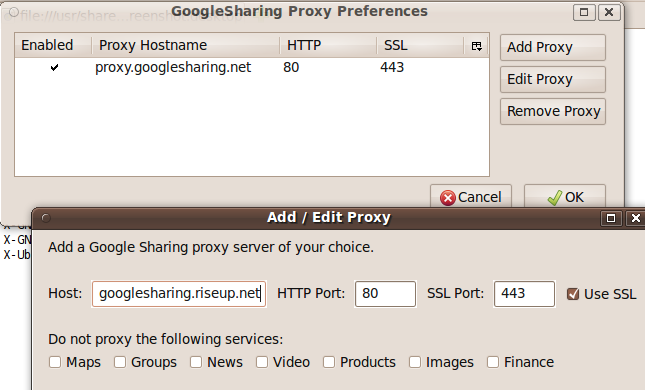
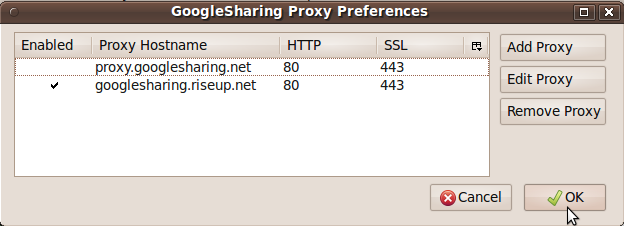
If you like you can also choose to use only the GoogleSharing proxies run by Riseup.net. This will mean that your traffic with Google passes exclusively through our servers. If you want to do this, follow this instruction: