Restored from the project wiki (we.riseup.net), which is no longer online.
Tor is a technology that lets you browse more anonymously; this is achieved by “bouncing” every web connection through many other nodes scattered around the world, so that it is impossible to identify the original request.
Configuring tor is not difficult, but it still takes time. The TorBrowser, on the other hand, is a fully automated solution that gives you a web browser separate from the one you normally use, configured to use Tor and to browse more securely.
Installing TorBrowser is very simple and the installer is available for Windows, MacOSX and of course Linux.
On freepto you will find it already installed
To download it, go to the official torbrowser page and click on the “download” button.
The file you download is an archive (extension .tar.gz). Extract it, and you will have a directory called tor-browser_en or tor-browser_it. Go into that directory and you will find many files, among them an executable called start-tor-browser. Click on it and TorBrowser will start.
(the following times, obviously, you will only have to click on start-tor-browser, without having to download the whole archive again)
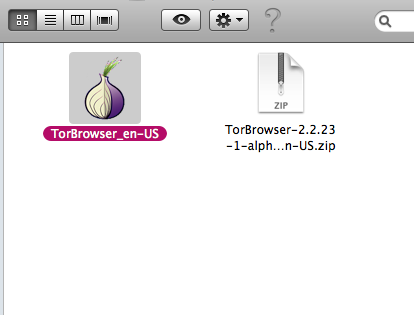
Click on the downloaded file: it is a compressed file, so you will get an uncompressed file called TorBrowser_en-US or TorBrowser_it-IT. Click on it and TorBrowser will start.
Download the file and double-click it: it is an executable, so a very quick setup will start and ask you where to install it. Select any location (an external disk, a usb stick, or the Desktop will all do fine!) and continue. Go to the location you specified and you will find a folder Tor Browser. Open it, and you will find an application Start Tor Browser. Double-click it.
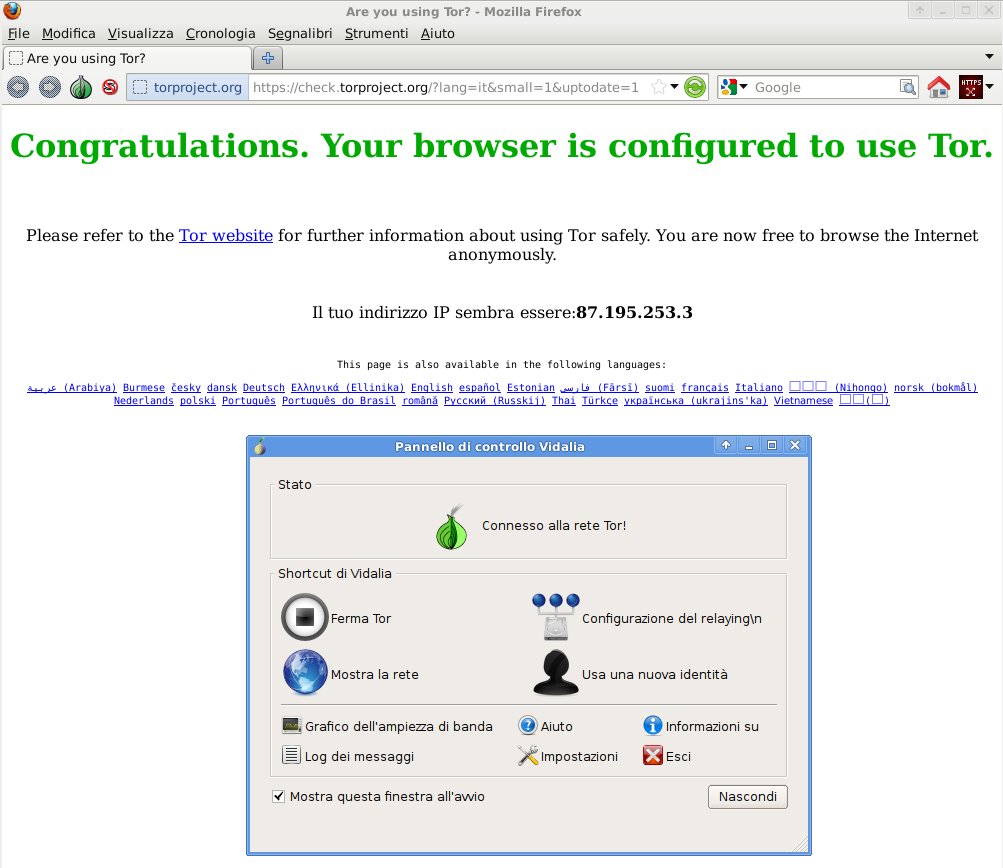
Once you have launched the torbrowser (see above), a Vidalia window will open; this acts as the torbrowser’s “control panel”, and from there you can carry out more advanced operations or troubleshooting.
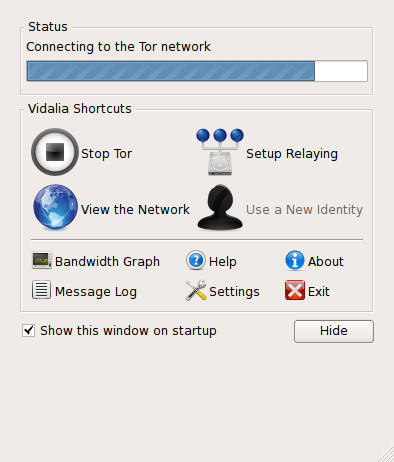
Wait a little: the loading bar will advance, until a Firefox window opens with a page telling you that you are using Tor. At that point all that is left is to browse.